
Steal a Brainrot Collection Tracker
Track collected Brainrots locally on this device with completion progress.
Track collection progress
Progress stays in this browser and can be cleared from Privacy Settings.
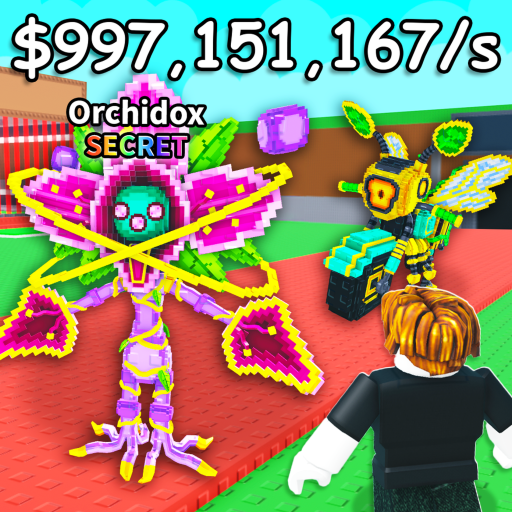
Steal a Brainrot visual reference
Explore visual context for Steal a Brainrot Collection Tracker. Illustrations are original GamesCalculators artwork unless a separate source is credited.
What the Steal a Brainrot Collection Tracker tracks
The Steal a Brainrot Collection Tracker is a private checklist for the units represented in the site’s local catalog. It records collected status on the current browser and reports progress against that dataset—not against every unit that may exist in the live game.
Use the Steal a Brainrot Collection Tracker
- 1
Search or filter the unit list.
- 2
Mark only units actually collected.
- 3
Review the missing list before trading or farming.
- 4
Export or record important progress before clearing browser data.
A result you can audit
Each section documents the calculation and the limits that apply to this specific gameplay problem.
How this tracker stores progress01+
Each checkbox is stored under the tracker’s browser-storage key. Completion percentage equals checked catalog entries ÷ total local entries; adding new dataset rows can lower the percentage without removing collected items.
Worked Example for the Steal a Brainrot Collection Tracker02+
If six of ten catalog entries are checked, completion is 60%. When the catalog expands to twelve and the same six remain checked, the tracker correctly reports 50% coverage of the expanded list.
How to Use the Steal a Brainrot Collection Tracker Result03+
Use the missing entries as a collection plan. Keep in mind that completion means completion of this local catalog version, so read the dataset note before claiming full game completion.
Steal a Brainrot Collection Tracker Accuracy and Limitations04+
Browser storage can be cleared, does not synchronize across devices, and does not verify game ownership. The thin catalog means the tracker is not yet a complete game checklist.
- No Roblox account is connected.
- Private browsing may discard data.
- Dataset expansion is required.
Steal a Brainrot calculator FAQs
Clear answers about calculations, data, independence, privacy and practical use.
Does the tracker read my Roblox inventory?
No. It records only the boxes you check on this device.
Why can completion drop after a site update?
New catalog entries increase the denominator while preserving the units already checked.
Is 100% here the same as owning every Brainrot?
It means every entry in the current local catalog is checked. Newly verified or newly released Brainrots can increase the catalog total later.